MusicallyDown
- Free forever, no hidden fees
- No login, no registration
- No app install — works in any browser
- Works on iPhone, Android, and desktop
- Unlimited conversions
- High-quality audio output
How to pull the MP3 out of a TikTok video
-
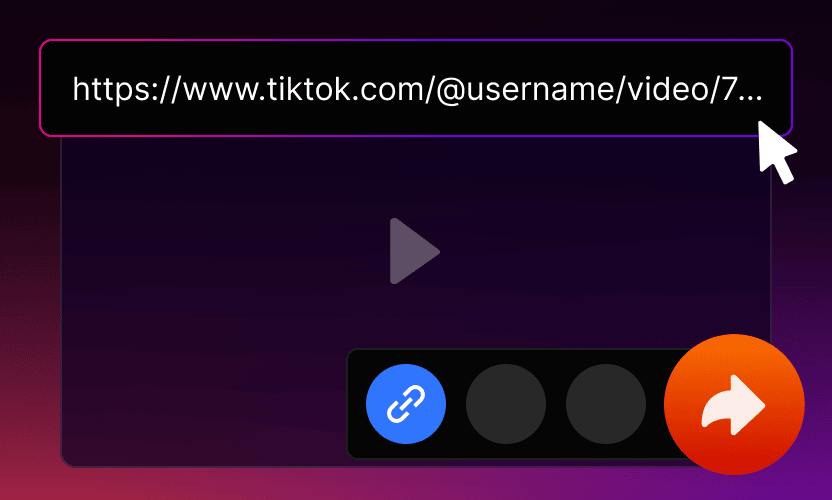
Copy the link in TikTok
Tap Share under the clip and choose Copy link. The address from the browser bar works just as well.
-
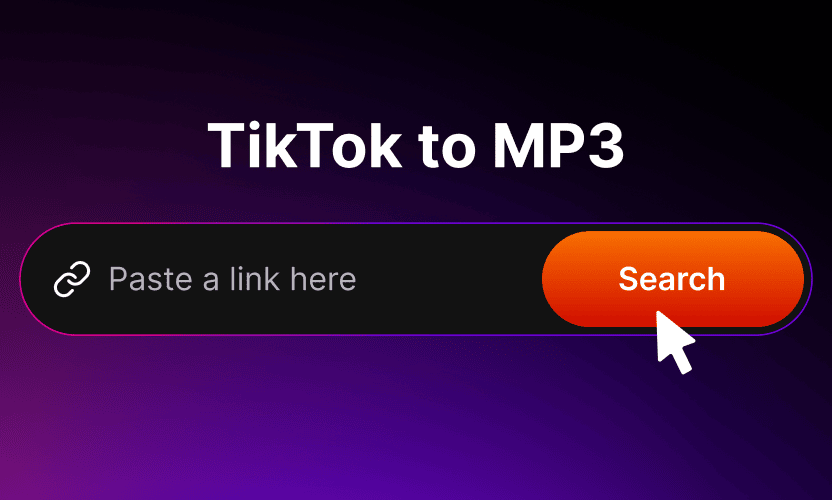
Paste it in the field above
One line is enough. mp3tik opens the clip and takes the audio out of the original file, without recording it again.
-
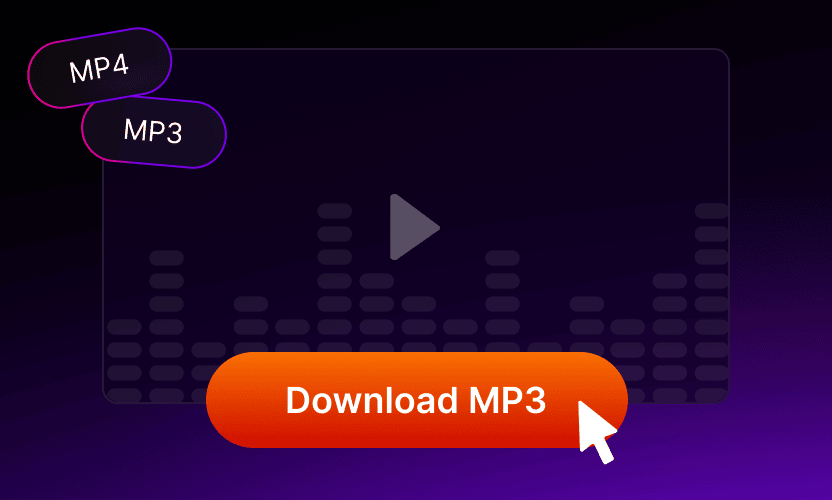
Save the track
Press Download MP3 and the file lands in Downloads or in the Files app, ready for a playlist or an edit.


-
MP3TIK instead of MusicallyDown
MusicallyDown is known for one thing above all — turning a TikTok video into an MP3 file. mp3tik does exactly that.
mp3tik works right in the browser: paste the link to a TikTok video, wait a couple of seconds and save the MP3 to your phone or computer. No registration, no app to install and no limit on how many tracks you convert — the audio comes from the original file, not from a re-recording.
mp3tik is an independent service. It is not affiliated with MusicallyDown, it is not its official site, mirror or partner, and it does not act on behalf of its owners. The name is mentioned only to explain what this page does; all trademarks belong to their respective owners.
-
Where the name comes from
The name goes back to musical.ly, the lip-sync app that ByteDance bought in November 2017 and merged into TikTok on 2 August 2018. The app itself is long gone — old accounts simply became TikTok accounts — but the word stayed in the vocabulary of downloader names, which is why people still type musicallydown, musicaldown or musically down when what they want is the sound of a TikTok clip as a file. The spelling shifts from search to search; the intention behind it does not.
mp3tik answers the same need without the spelling lottery. Paste any public TikTok link into the field above and you get an MP3 with the track from that clip — a song you could not identify, a voice-over you want to keep, a sound you plan to reuse in your own video. If it is the clip itself you want rather than its sound, that is a different job — this page produces audio files only.
-
What MP3TIK does with the sound, and what it will not do

The audio is taken straight out of the file TikTok serves, not recorded from a speaker and not re-encoded a second time, so what you hear in the app is what lands on your device. The ceiling is set by the source: TikTok compresses audio when a video is uploaded, so a clip recorded on a phone in a noisy room will not turn into a studio master by being converted. MP3 plays everywhere — iPhone, Android, Windows, macOS, Linux, car stereos, and every editor from CapCut to Premiere — and conversions are neither counted nor throttled.
What mp3tik will not do: private videos and posts from closed accounts stay out of reach, because the page only reads what TikTok shows publicly, and there is no way to pull a whole profile at once. Nor does converting a clip change who owns the music in it. A soundtrack usually belongs to a label or to the creator, so keeping a file for yourself is one thing and publishing it, monetising it or building a video on top of it is another — that part is on you. Credit the author with their @username when you share something you saved here.


What you get here instead of MusicallyDown
No account, no app, no daily cap. The sound comes from the source file, so nothing is re-encoded twice.
-

As many tracks as you need
No daily limit and no captcha after the tenth conversion. Pull a whole playlist in one sitting if that is the job.
-

Ready in a couple of seconds
The clip is parsed and the MP3 is handed over before you finish reading this line. No queue, no waiting room.
-

Nothing about you is kept
No sign-up, no email, no history of the links you paste. The file goes straight to your device.
-

Works on the phone you already have
Any modern browser on iPhone, Android, Windows or Mac. Nothing to install and nothing to update.
About Mp3tik
Mp3tik (mp3tik.to) is a free browser-based tool for extracting MP3 audio from TikTok videos. Paste any public TikTok URL, choose MP3, and the audio file downloads directly to your device — no login, no app installation, no tracking.
Built and maintained by a small team of developers focused on browser-based media utilities. We believe public content should remain accessible without sacrificing user privacy, so Mp3tik runs entirely client-side: no accounts, no logged sessions, no data collection.
All audio files are saved as standard MP3 with no watermarks. Whether you're studying, creating content, building a workout playlist, or archiving a favorite sound, Mp3tik makes it quick and effortless. If you have any questions or feedback, contact us at [email protected].
Frequently Asked Questions
-
Is this the official MusicallyDown site?
No. This is mp3tik.to, an independent TikTok to MP3 converter with no connection to MusicallyDown or its owners. The page exists so that people looking for MusicallyDown can pull the sound out of a TikTok video right here.
-
How is mp3tik different from MusicallyDown?
mp3tik runs entirely in the browser and asks for nothing: no login, no app, no limits. You paste a TikTok link, the MP3 is ready in a couple of seconds and it is saved straight to your device.
-
Is mp3tik free?
Yes. Converting TikTok videos to MP3 through mp3tik is free: no subscription, no registration and no limit on the number of tracks.
-
What quality is the MP3?
It matches the audio inside the TikTok video, typically around 128 kbps, because that is what the platform serves. mp3tik does not re-encode the track a second time, so nothing is lost on top of TikTok's own compression — but nothing can be added either.
-
Can I download the video too, not just the sound?
No. mp3tik turns a TikTok link into an MP3 file; saving the clip as a video file is outside what this page does.
-
Is musical.ly the same thing as TikTok?
It was its predecessor. ByteDance bought musical.ly in November 2017 and merged it into TikTok on 2 August 2018, so musical.ly accounts became TikTok accounts and the old app disappeared.
-
What about the rights to the music?
Converting a clip does not transfer any rights. The track usually belongs to a label or to the creator, so a file kept for personal listening is fine, while re-publishing or monetising it is a question of licensing.
-
Can I convert a private video?
No. Only public posts can be processed — anything from a closed account or a restricted video stays out of reach.
Ready to extract TikTok audio?
Mp3tik converts public TikTok videos to MP3 in three steps: copy the share link from TikTok, paste it at mp3tik.to, tap Download. The MP3 saves at the original audio quality with no watermark, no login, and no app install. Free for personal use; check copyright before sharing.
Download MP3